
NOTE: This is the third installment in a series on email deliverability. You can read the first article here and the second one here.
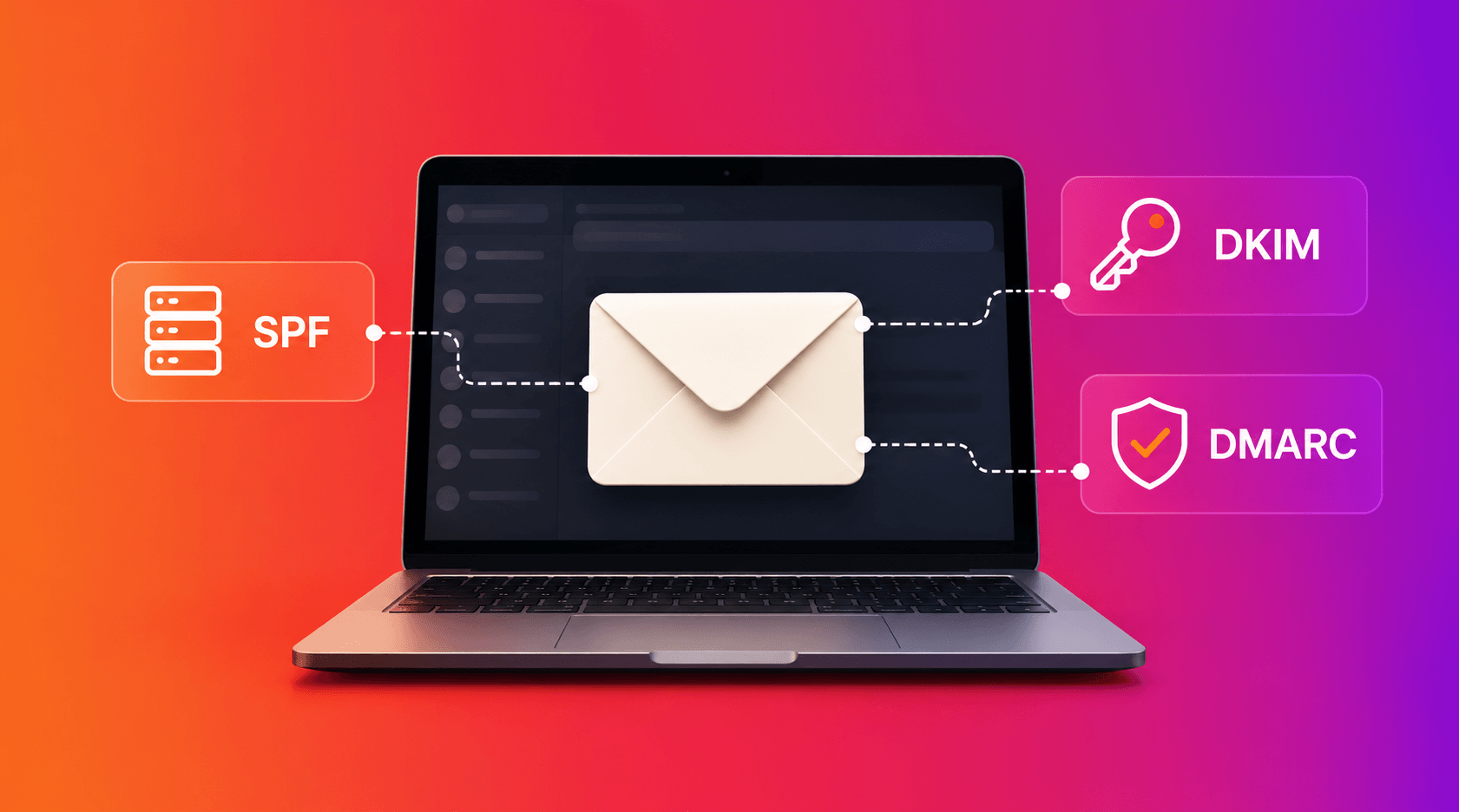
If you’ve talked to your IT team or email service provider (ESP) about setting up a new sending domain, you’ve probably heard SPF, DKIM and DMARC mentioned in the same breath — usually fast and without much explanation. They sound intimidating, but the idea behind all three is simple: mailbox providers want proof that an email claiming to be from your company is actually from your company. These three records are your proof.
Think of it like checking ID at the door. Each one checks something slightly different.
SPF: The Approved Guest List
Sender Policy Framework (SPF) is a public record published by you that lists exactly which servers are allowed to send email on behalf of your domain. When a mailbox provider receives a message claiming to be from you, it checks that list. If the sending server isn’t on the list, that’s a red flag. Either the message gets rejected outright, or it gets treated with suspicion and routed to spam.
This is usually the first authentication piece people set up, because it’s the most straightforward: one record, listing your approved senders.
DKIM: The Tamper-Evident Seal
DomainKeys Identified Mail (DKIM) works differently. Instead of checking where an email came from, it checks whether the email was altered in transit. Your outgoing mail server attaches a digital signature to every message. The receiving server checks that signature against a public key on file for your domain. If they match, it’s a signal that the message arrived intact and genuinely came from an authorized source. If they don’t, something changed along the way, and that’s worth flagging.
DMARC: The Policy and The Paper Trail
SPF and DKIM each check something useful on their own, but neither one tells a mailbox provider what to do when a check fails. That’s DMARC’s job. Domain-based Message Authentication, Reporting & Conformance (DMARC) sits on top of both, confirms they line up with the domain your subscribers see in their “from” field, and gives receiving servers one of three instructions:
- Monitor only: track results without blocking anything
- Quarantine: send failing messages to spam
- Reject: block failing messages outright
DMARC also sends you regular reports showing who’s sending mail using your domain and whether it’s passing or failing. That’s genuinely useful for catching both configuration mistakes and attempts to impersonate your brand.
BIMI: A Shiny New Identifier for Your Brand
Once your DMARC policy is set to quarantine or reject, you become eligible for Brand Indicator for Message Identification (BIMI). This displays your verified logo directly next to your emails in supported inboxes like Gmail and Yahoo.
It doesn’t authenticate anything on its own, but it’s a nice visible payoff for doing the authentication work: a bit of extra trust and brand recognition in an increasingly crowded inbox.
Getting there takes a bit of legwork first, including a registered trademark for your logo and a Verified Mark Certificate to certify it, which is why BIMI is usually the last piece added, not the first.
The Honest Version of “How to Set This Up”
SPF, DKIM and DMARC all live in your domain’s DNS settings and getting them right (especially DKIM’s cryptographic keys and DMARC’s policy tags) is genuinely technical work. The most useful thing you can do is understand what each one is for, so you can ask the right questions of your ESP or your IT team when it’s time to configure them.
This isn’t a corner worth cutting. Without solid authentication, everything else in your deliverability strategy is built on a shakier foundation.
Next in this series: list hygiene, spam traps and the handful of metrics actually worth watching week to week.
Need help getting SPF, DKIM and DMARC set up correctly the first time? Our Email Deliverability Checklist covers the basics, and our team can walk you through the rest in a quick consultation. Let’s talk.